Adobe Stock Course: A Beginner’s Guide to Earning with Stock Content
Introduction
Adobe Stock is a popular platform where photographers, graphic designers, illustrators, videographers, and other creators can sell digital content. If you already have skills in graphic design, photography, illustration, or video creation, Adobe Stock can become an additional source of online income.
This course is designed for beginners who want to understand how Adobe Stock works, what type of content sells, how to create high-quality stock assets, and how to increase their chances of earning consistently.
1. What Is Adobe Stock?
Adobe Stock is a marketplace where customers can license creative assets such as:
- Photos
- Illustrations
- Vectors
- Videos
- Templates
- 3D assets
- Generative AI content
Businesses, marketers, designers, publishers, and individuals purchase or license these assets for use in their projects.
As a contributor, you create and upload your work. When customers license your content, you can earn royalties according to Adobe Stock’s contributor terms.
2. Why Become an Adobe Stock Contributor?
One of the biggest advantages of stock content is that a single asset can potentially generate income multiple times.
Instead of creating a design for only one client, you can upload it to a stock marketplace and allow many different customers to license it.
For example, you could create a collection of:
- Business icons
- Social media templates
- Backgrounds
- Infographics
- Technology illustrations
- Seasonal graphics
- Food photography
- Office-related images
The key is to build a large portfolio of useful, commercially relevant content.
3. Choosing the Right Niche
Don’t try to create everything at once. Start with a specific niche and gradually expand.
Good stock-content niches include:
Business: office, teamwork, meetings, finance, entrepreneurship and corporate concepts.
Technology: artificial intelligence, cybersecurity, smartphones, cloud computing and digital technology.
Lifestyle: family, fitness, education, travel and everyday activities.
Design Assets: icons, patterns, backgrounds, illustrations, templates and infographics.
Seasonal Content: holidays, festivals, events and important annual occasions.
Research your niche and look for subjects that customers frequently need.
4. Creating Content That Sells
Quality is extremely important. Your content should be technically clean, visually attractive and useful to potential buyers.
For photographs, pay attention to:
- Focus and sharpness
- Lighting
- Composition
- Noise and artifacts
- Background distractions
- Professional appearance
For vectors and illustrations, focus on:
- Clean shapes
- Consistent design
- Proper alignment
- Editable elements
- Useful compositions
- Professional presentation
For videos, consider resolution, stability, lighting, composition and whether the footage could be useful in commercial projects.
5. Keywords Are Extremely Important
Creating a great asset is only part of the process. Customers also need to be able to find it.
When uploading an asset, use accurate and relevant titles and keywords.
For example, if you create an illustration of an online shopping concept, relevant keywords might include:
online shopping, ecommerce, shopping cart, online store, digital shopping, retail, internet shopping, purchase, delivery, consumer, marketplace
Avoid adding unrelated keywords simply to get more visibility. Your keywords should accurately describe the content.
6. Create Collections Instead of Single Assets
One effective strategy is to create related sets.
For example, instead of creating one shopping icon, create a complete collection containing:
- Shopping cart
- Online payment
- Delivery
- Discount
- Shopping bag
- Store
- Product search
- Customer support
- Credit card
- Order tracking
A consistent collection can make your portfolio look more professional and provide customers with multiple related assets.
7. Consistency Is the Key
Don’t expect immediate results from a few uploads.
Stock marketplaces work better as a long-term portfolio business. Your goal should be to continuously create and upload useful content.
A simple routine could be:
Research → Create → Upload → Optimize → Analyze → Repeat
Track which types of content perform well and create more variations around successful themes.
8. Avoid Common Mistakes
Beginners often make several mistakes:
- Uploading low-quality work
- Using irrelevant keywords
- Creating overly generic content
- Ignoring commercial trends
- Uploading duplicate or repetitive assets
- Giving up after a small number of uploads
- Ignoring Adobe’s submission requirements
Always review your work carefully before submitting it.
9. Building a Long-Term Portfolio
Think of your Adobe Stock portfolio as a digital library.
If you consistently add valuable assets, your portfolio can continue working for you after the initial creation process.
For example, instead of uploading 20 random designs, you could build a focused portfolio of 200–500 high-quality assets covering several related topics.
The objective isn’t simply to upload more. The objective is to upload useful content that customers actually want.
10. Your Adobe Stock Action Plan
If you’re starting from zero, follow this simple plan:
Week 1: Learn Adobe Stock requirements and choose your niche.
Week 2: Research popular content and create your first collection.
Week 3: Upload your assets with accurate titles and keywords.
Week 4: Analyze your portfolio and identify opportunities for new content.
Then continue creating and uploading consistently.
Remarks
Adobe Stock can be a valuable opportunity for creative professionals who are willing to build a quality portfolio over time. Success is not usually about uploading one viral image. It is about understanding customer demand, producing high-quality content, using accurate metadata, and consistently expanding your portfolio.
Start small, learn from your results, improve your skills, and keep creating.
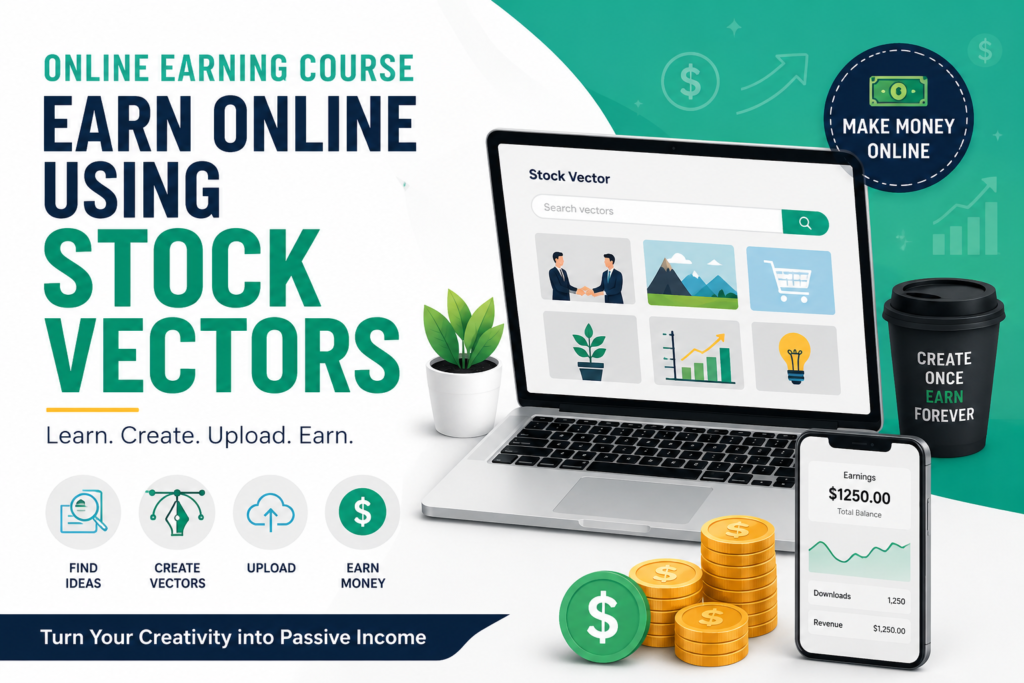
The goal is simple: create once, build a portfolio, and give your content the opportunity to generate income repeatedly.