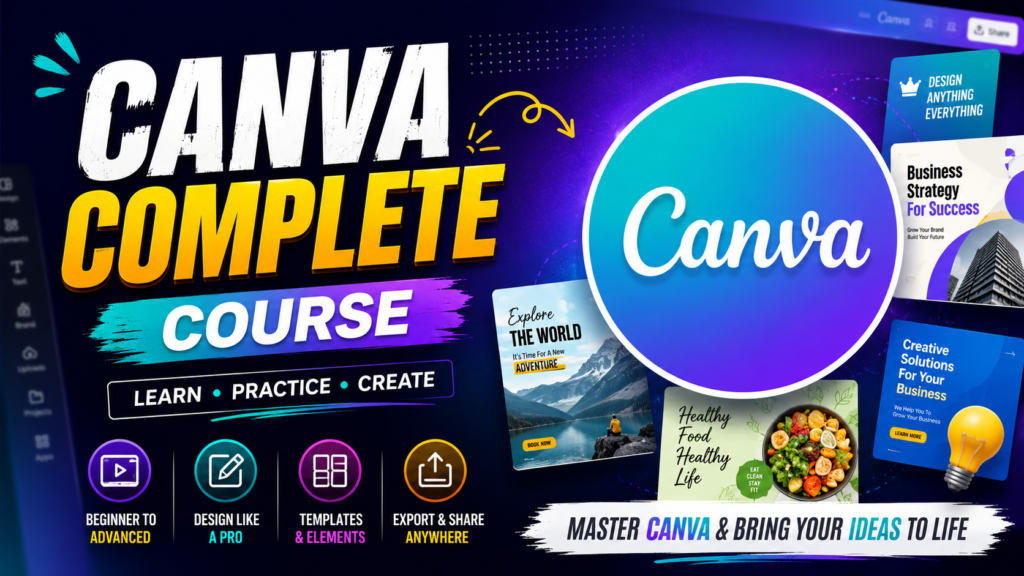
Canva Pro Course: Master Canva for Professional Design, Content Creation & Freelancing
Canva has become one of the most popular design platforms for creating professional graphics without needing advanced graphic design software. From social media posts and YouTube thumbnails to presentations, business branding, marketing materials, and digital products, Canva makes design faster and easier.
The Canva Pro Course at NexGen Technologies is designed for beginners, students, freelancers, content creators, business owners, and anyone who wants to learn how to create professional designs using Canva.
What Is Canva?
Canva is an online graphic design platform that allows users to create visual content using ready-made templates, graphics, fonts, photos, videos, and other design elements. It is widely used for social media marketing, education, business promotion, presentations, branding, and content creation.
With Canva Pro, users can access additional premium features, resources, templates, and productivity tools that can make the design process more efficient.
Why Learn Canva?
Learning Canva can be useful for both personal and professional projects. You can create attractive designs without spending months learning complex graphic design software.
With Canva skills, you can create:
- Social media posts and advertisements
- YouTube thumbnails and channel graphics
- Facebook and Instagram designs
- Business cards and flyers
- Posters and banners
- Presentations
- Logos and brand materials
- Certificates
- Resumes and CVs
- Ebooks and digital products
- Marketing materials
- Pinterest pins
- Short-form video content
- Educational materials
What You Will Learn in Our Canva Pro Course
The course provides practical training from basic Canva tools to more advanced design techniques.
1. Canva Fundamentals
Students learn how to navigate Canva, understand its interface, select suitable templates, create designs, upload files, and organize their projects.
2. Professional Graphic Design
Learn the fundamentals of creating visually appealing designs, including typography, spacing, alignment, composition, colors, and visual hierarchy.
3. Social Media Design
Learn how to create professional content for platforms such as Facebook, Instagram, TikTok, YouTube, and Pinterest.
4. YouTube Thumbnail Design
Learn how to create eye-catching YouTube thumbnails designed to attract viewers and improve the visual presentation of your videos.
5. Branding & Business Design
Create consistent brand materials using colors, fonts, logos, and other visual elements. Students can learn how to develop professional-looking designs for businesses and brands.
6. Canva Presentations
Create professional presentations for businesses, schools, universities, meetings, training sessions, and online courses.
7. Video Editing with Canva
Canva can also be used for basic video creation and editing. Students can learn how to combine videos, images, text, animations, transitions, music, and other elements to create engaging content.
8. AI-Powered Canva Features
Explore Canva’s AI-powered tools to speed up brainstorming, content creation, design generation, image creation, and other creative workflows where available.
9. Digital Product Design
Learn how Canva can be used to create digital products such as ebooks, worksheets, planners, social media templates, presentations, and other downloadable resources.
10. Freelancing with Canva
Students can learn how to turn Canva design skills into freelance services by creating a portfolio, identifying potential clients, preparing service packages, and delivering professional design work.
Who Should Join This Course?
This course is suitable for:
- Beginners with no previous design experience
- Students
- Freelancers
- YouTubers
- Bloggers
- Social media managers
- Digital marketers
- Small business owners
- Entrepreneurs
- Teachers and educators
- Content creators
- People interested in earning online
Career & Freelancing Opportunities
Canva skills can be combined with digital marketing, social media management, content creation, and freelancing.
After developing your skills, you can offer services such as:
- Social media graphic design
- YouTube thumbnail design
- Presentation design
- Pinterest graphic design
- Flyer and poster design
- Business branding
- Marketing graphics
- Canva template creation
- Ebook design
- Social media content creation
Freelance marketplaces and direct clients can provide opportunities for designers who build strong portfolios and consistently deliver quality work.
Benefits of Learning Canva
Some major benefits include:
Easy to Learn: Canva has a user-friendly interface that makes it accessible to beginners.
Saves Time: Templates and design tools can significantly speed up the creative process.
Useful for Business: Businesses can use Canva to create marketing and branding materials.
Great for Content Creators: YouTubers, bloggers, and social media creators can produce visual content more efficiently.
Freelancing Potential: Canva can be combined with other digital skills to offer creative services to clients.
Multiple Applications: The same skills can be applied to social media, marketing, education, business, and personal projects.
Why Choose NexGen Technologies?
At NexGen Technologies, our goal is to provide practical, career-focused digital skills. Instead of focusing only on theory, students can learn through practical design activities and real-world projects.
The Canva Pro Course is ideal for anyone who wants to develop useful graphic design and content creation skills in a beginner-friendly environment.
Start Learning Canva Today
Whether you want to create better social media content, design professional business materials, build a freelancing career, or improve your digital skills, learning Canva can be a valuable starting point.
Join the Canva Pro Course at NexGen Technologies and start turning your creative ideas into professional designs.
Frequently Asked Questions
Is Canva difficult to learn?
No. Canva is designed to be user-friendly, making it suitable for beginners. Consistent practice can help you quickly become comfortable with its tools.
Do I need previous graphic design experience?
No. Beginners can start the course without prior professional design experience.
Can I use Canva for freelancing?
Yes. Canva skills can be used to provide services such as social media graphics, thumbnails, presentations, marketing designs, and templates.
Can Canva be used for YouTube?
Yes. Canva can be used to create YouTube thumbnails, channel graphics, video content, presentations, and other visual assets.
Can I create digital products with Canva?
Yes. Canva can be used to create various digital products, including ebooks, planners, worksheets, templates, and presentations.